> For the complete documentation index, see [llms.txt](https://docs.finandy.com/llms.txt). Markdown versions of documentation pages are available by appending `.md` to page URLs; this page is available as [Markdown](https://docs.finandy.com/algo-trading/signals-tradingview/connection-and-configuration/position-reversal.md).
# Position Reversal
If your TradingView signal is not yet connected to Finandy terminal, please follow these instructions:
{% content-ref url="/pages/9LVPQcfnDEG4fKMSozuD" %}
[Connecting the TradingView indicator or strategy to Binance / OKX](/algo-trading/signals-tradingview/connection-and-configuration/indicator-strategy-connection.md)
{% endcontent-ref %}
## Finandy setup
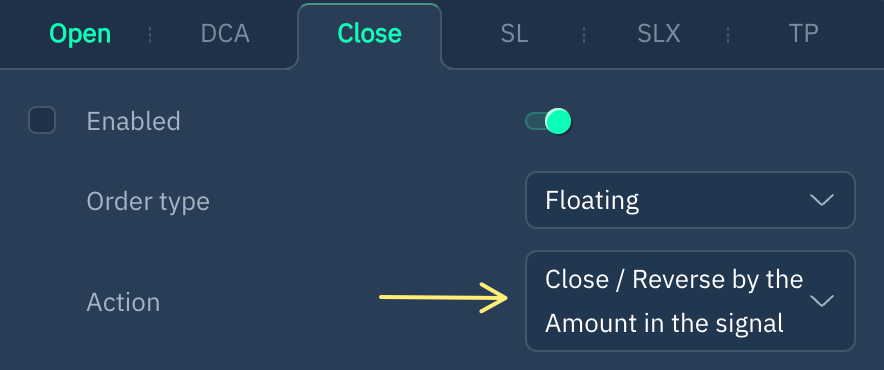
By default, Finandy enables position reversal when creating a signal connection.
Learn more about position reversal:
{% content-ref url="/pages/E5BT4ELOLIVf9wbQYyGk" %}
[Close / Reverse](/algo-trading/signals-tradingview/interface/close.md)
{% endcontent-ref %}
**Do you have any questions? Let us help you in our Telegram chat.**
{% embed url="" %}