> For the complete documentation index, see [llms.txt](https://docs.finandy.com/llms.txt). Markdown versions of documentation pages are available by appending `.md` to page URLs; this page is available as [Markdown](https://docs.finandy.com/interface/blocks/tickers.md).
# Market (currency pairs)
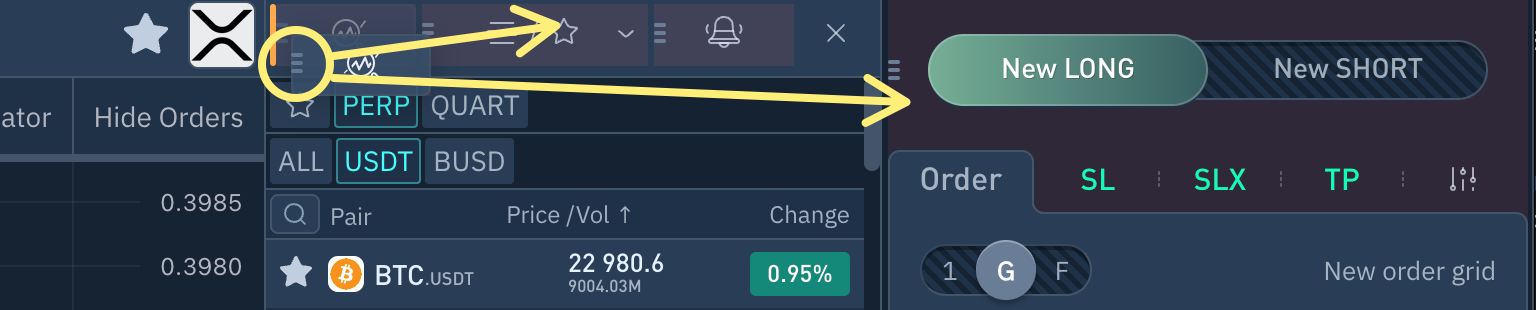
1\. You can drag the block up and down or move it to the right of the chart.
2. **Hide / Show** Block.
3. **Favorite** currency pairs list.
4. **Currency pair** filter.
5. **Search** by currency pair name.
6. Sort items by clicking on the header:\
\- by descending/descending **name**\
**-** by descending/descending **price**\
**-** by descending/descending **volume**\
**-** by **24-hour price change** (descending/ascending)
7. **Add/remove from Favourites button.**
8. Currency pair **price.**
9. Trading **volume** over 24 hours.
10. **Price change** in % over 24 hours.
{% hint style="info" %}
If the tab is clicked, it will collapse and the chart will expand to full width.
If you click again, the tab will expand.
{% endhint %}
**Do you have any questions? We can help you in our Telegram chat.**
{% embed url="" %}